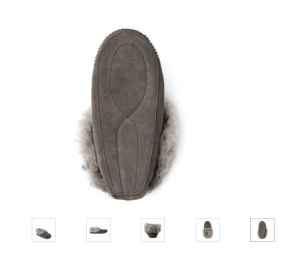
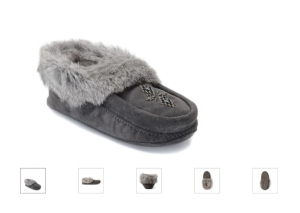
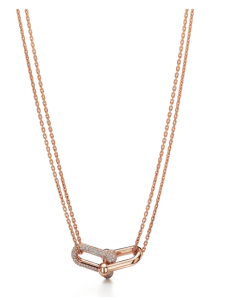
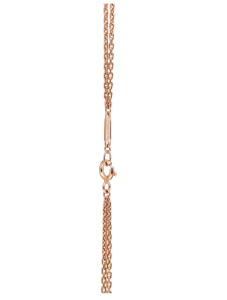
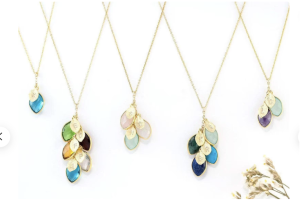
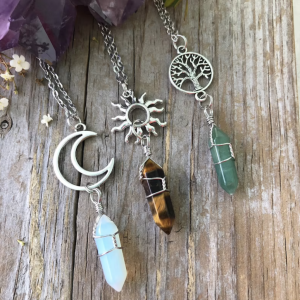
As an E-commerce store, product images are very important part of the shopping experience.
If done properly, your product images can help shoppers get a better virtual “feel” for the items you offer.
Product photography
→ Establishes what to expect when your product arrives at customer’s door
→ Has a big role in a customer’s decision to place an order or not
→ Presents your products in the best light to maximize sales
People want to know exactly what they’re buying.
The last thing eCommerce brands want is for customers to receive a product that is different from online photos. Shoppers may feel deceived and comment badly about the brand on social media. That’s the quickest way to destroy customer loyalty and brand images.
If they can’t be certain how the product actually looks, they’re less likely to complete a purchase (ex: the images are small, blurry, and there’s just one picture of each product).
The more comfortable customers feel about the products they’re browsing, the more likely they’ll be to follow through with their purchase, and less likely they’ll be to return the item they bought.
High-quality imagery has consistently proven to…
boost engagement
establish credibility
improve conversion rates and sales
Image Requirements
Product images submitted must meet the following technical specifications.
First Image Requirements (Aka Thumbnail)
Images that display as the main image on the product detail page must follow our site product image standards.
The secondary photos are the opportunity to make your brand shine and clearly display your key features & benefits.
Secondary Image Ideas
The more photos, the better…
Including various images of your product from various aspects would support your buyers to fully visualize the product, as if they were handling it in a physical shop.
According to Salsify, 73% of shoppers need to see at least three images to make a buying decision. eCommerce sites use an average of eight photos on a single product page.
Product image types to help boost sales.
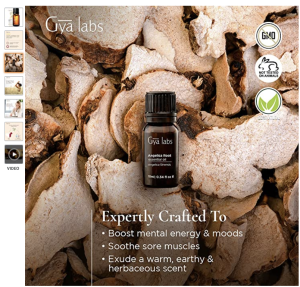
BRANDING CREATIVE SHOT
Showcase your brand colors and style.
Share clean, polished images.
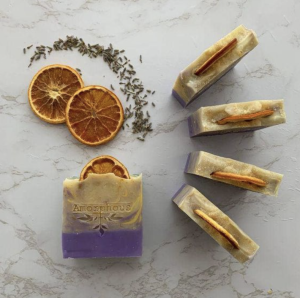
Show some of the textures, aromas, ingredients in their raw form.
This is great for grabbing attention and making your product stand out.
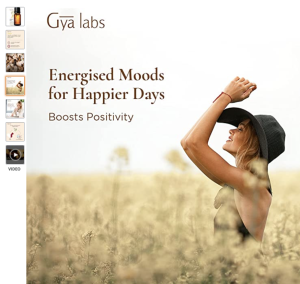
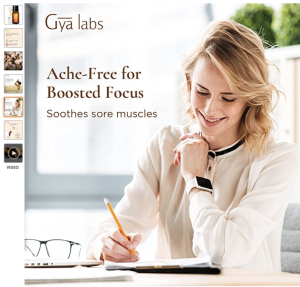
CONTEXTUAL
Contextual images are images of your product being used in real life. These are product-in-use images.
Placed in everyday and common situations to expose their function.
Display pictures of the target demographic using the product.
Lifestyle photos showcase e-commerce products while portraying the culture that surrounds them.
These images allow people to make a connection between a product and the lifestyle they want to experience.
Instead of thinking about the product, they think about the end result which enhances the desire to purchase.
SCALE OF ITEM
Miniature items can be mistaken for full-size versions and vice versa.
Allow product photos to show the scale of an item against other objects.
Showing the relative size of an item helps shoppers picture the product in their own space.
Shoppers will know what to expect, which helps reduce return rates.
DIFFERENT ANGLES
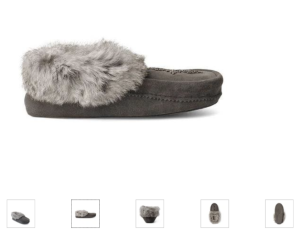
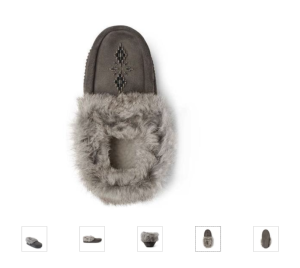
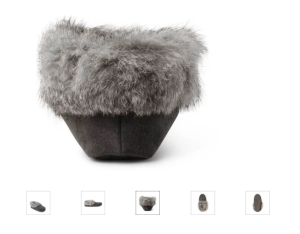
Provide all necessary viewing angles. Try capturing a 360-degree view of the product so the user will feel like it’s almost there in front of them.
Showing multiple views of your product…
→ significantly improves your conversion rates
→ helps your customer understand the size of the item
→ allow them to better visualize product details such as extra pockets, interior lining, special thread, etc.
Put yourself in your customers shoes and ask yourself what questions they might have about your product.
Show the product from different angles. Consider shooting front, back, diagonal, bottom, top, interior, details of the product, and top down.
PRODUCT DETAILS
Capture details of the products.
Help shoppers understand the specifics of an item while they flick through images. Detail shots can convey information to shoppers quickly.
Show detailed shots of the features you mention in your product description. If a product description goes into detail about a certain physical feature, consider using a close-up photo of that feature as well.
People expect to see images of everything that’s mentioned in a tag line or key product feature. If there are three diamonds on that ring, make sure that your customers can see all three diamonds from as many different angles as possible.
Be sure to show multiple, ‘zoomed in’ product images, including shots that reveal the most important details of the product.
Zoomed-in photos to give shoppers a better idea of the product.
ALTERNATIVE OPTIONS
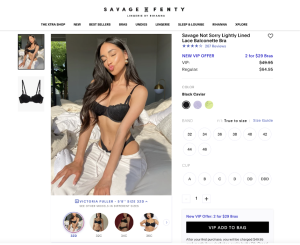
Shoot a range of colors and sizes with your products – people may have trouble visualizing their particular size or color.
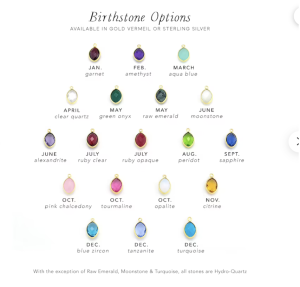
Don’t just tell them “also available in red, blue, and green,” give them a photo of the item in each color.
There’s nothing worse than having a product with 3-4 color variations, but the product images are only showing one color.
Make sure there is an image for every color or product variation you have. Show the shopper a product image for each color or style you offer.
Your images are a good way of showing them exactly what they can expect.
PACKAGE
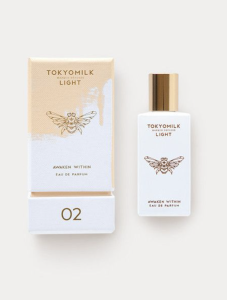
Packshots represent the entire product and its packaging as it appears in real life.
Packshots help shoppers visualize what the product is. Make sure the packshot is well-lit and shows natural colors so shoppers have realistic expectations.
All words are legible and clear.
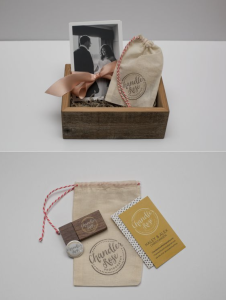
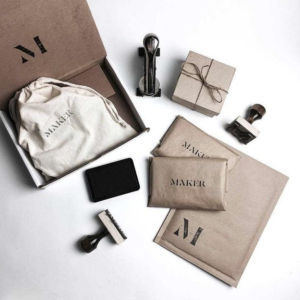
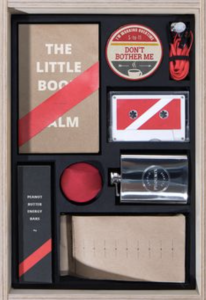
WHAT’S IN THE BOX
A “what’s in the box” photo showcases everything that’s included with a product.
The “what’s in the box” photo reduces return rates by showing shoppers exactly what to expect (and what not to expect).
A “what’s in the box” photo is helpful for any type of product that comes in multiple pieces.
GRAPHICS
Product images can…
→ give instructions for assembly or preparation
→ explain features and benefits
→ be upfront about warnings (It shows your brand is trustworthy)
Instructions can combine written steps with graphics that show the process.
Product images with instructions reduce unknowns for shoppers and can answer questions right off the bat.
A product image can also contain diagrams and copy to explain the features and benefits to shoppers.
Digital “window shoppers” can get the important details of a product just by swiping through photos.
(Any kind of work or assembly required can be a deterrent to purchase. Use instruction photos to show shoppers how easy it is to enjoy the product.)
USER GENERATED CONTENT
Leverage social media content for product images.
If you regularly have customers (or paid brand ambassadors) posting photos of your products on social media, you may be able to repurpose that content on your product details page.